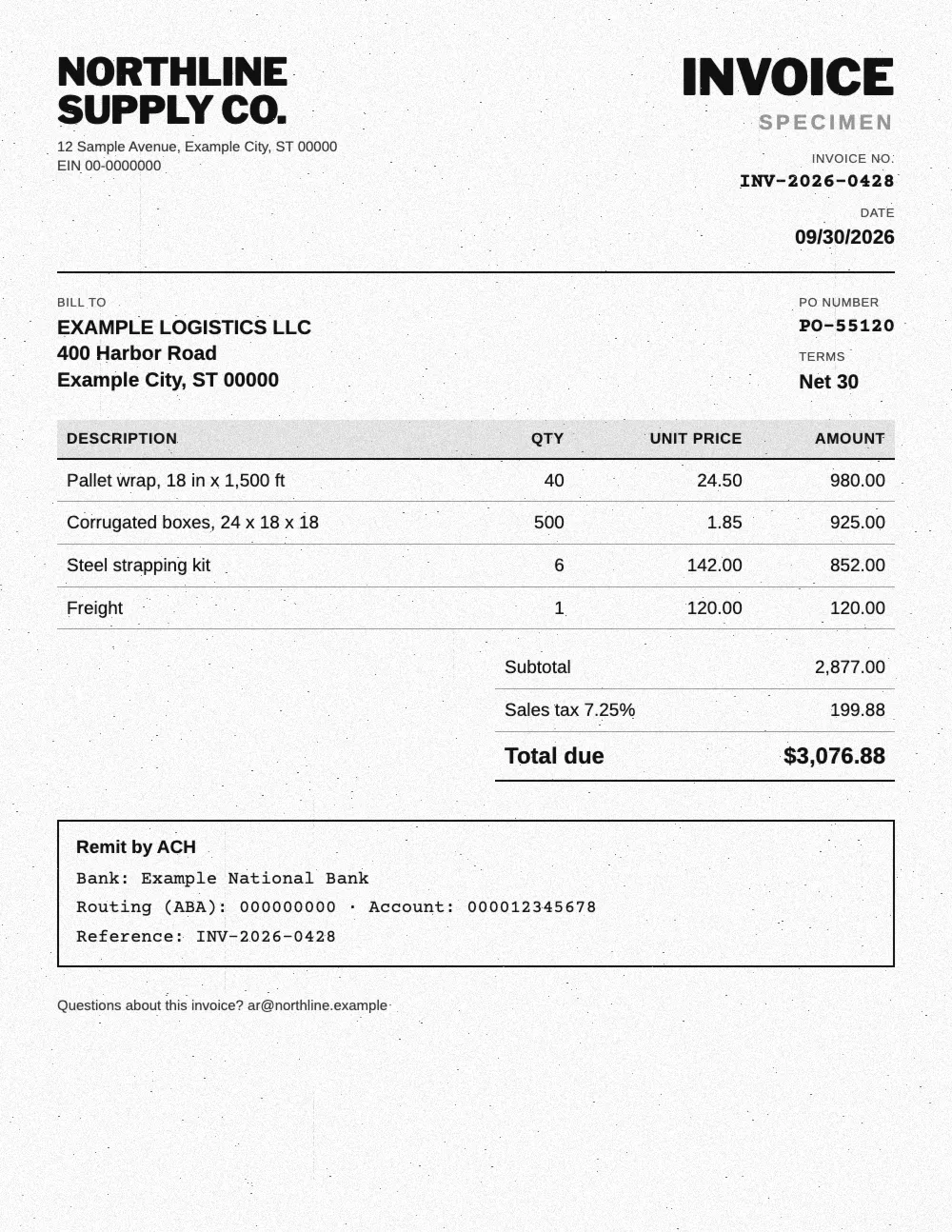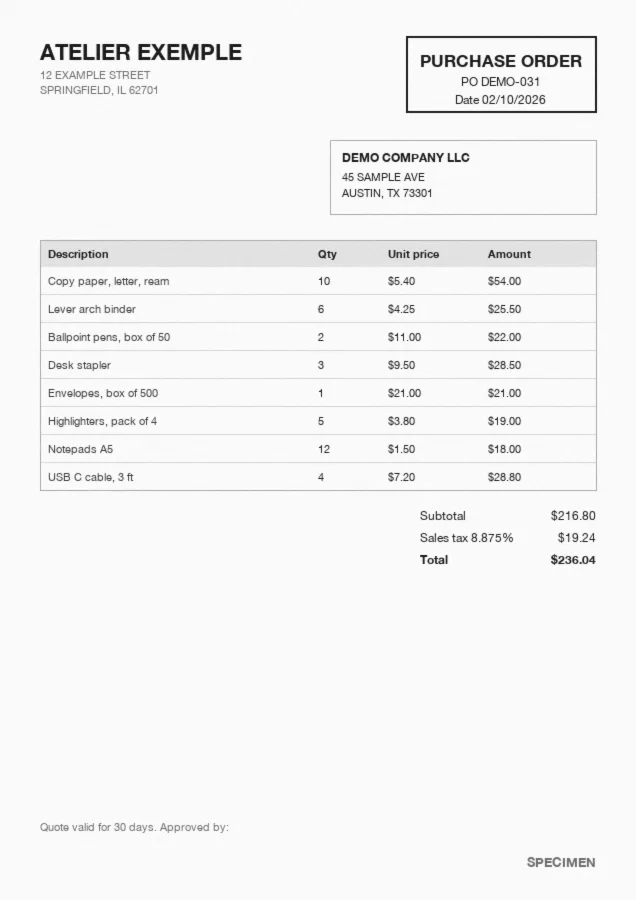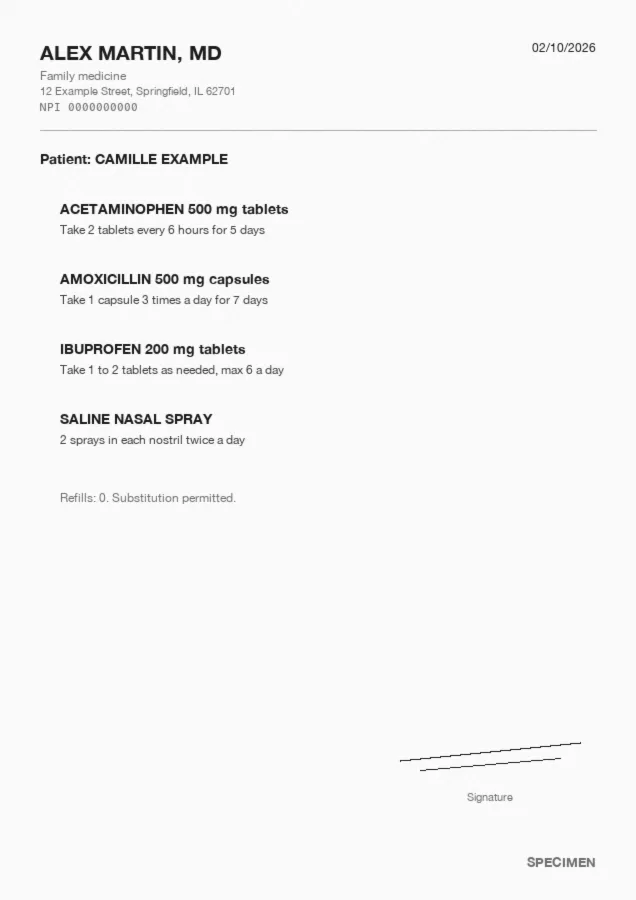














What is ID OCR?
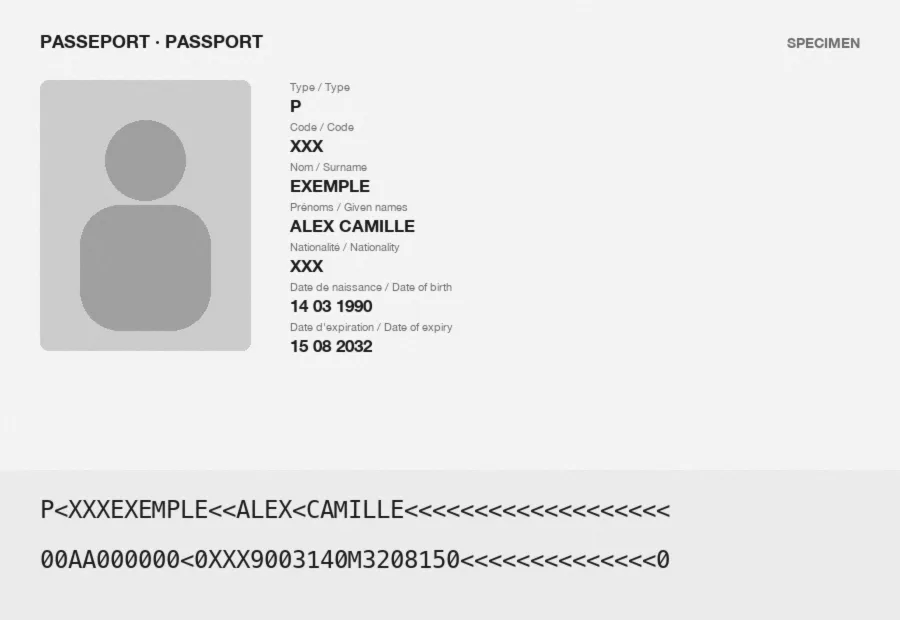
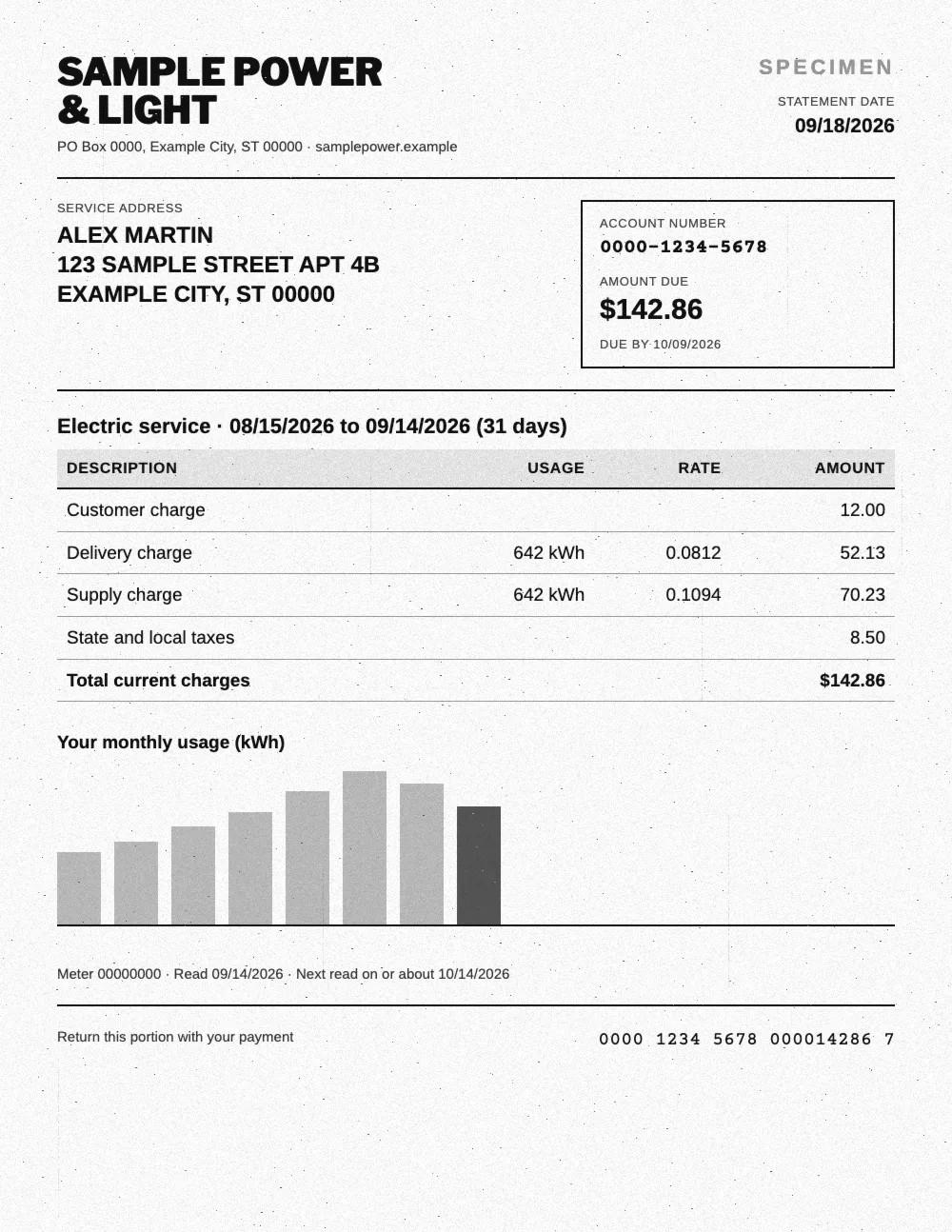
ID OCR reads a passport, an ID card, a state ID, a driver's license or a residence permit and turns it into structured data: name, date of birth, document number, nationality, dates of issue and expiration. Koncile uses AI to read any layout without templates, compares the MRZ with the printed data, and flags IDs that were edited after issue. Export to Excel, CSV or JSON, or send it to your KYC flow by API.
Manual review
Someone reads each ID and types it into the system. Fine for a few customers, slow and error prone at onboarding volume.
Template OCR
The software looks for each field at a fixed position. Every new state, country or card design means a new template.
AI without templates
The model reads the ID the way a compliance analyst would: it finds the name, the number and the dates whatever the design.
What data does ID OCR extract?
Koncile's identity document template captures the fields of passports, ID cards, state IDs, driver's licenses and residence permits. You can edit, add or describe the fields to extract from the interface, such as a customer reference or a second nationality.
| Field | Example | Extraction rule |
|---|---|---|
| Document type | Passport | Passport, passport card, state ID, driver's license, permanent resident card or other. |
| Is it an ID? | Yes | Returns "No" when the file sent is not an identity document. |
| Document number | X12345678 | Number printed on the document, compared with the MRZ when there is one. |
| Last name | SAMPLE | Holder's surname, as printed. |
| Given names | JORDAN ALEX | All of the holder's given names. |
| Date of birth | 03/03/1993 | Returned in your chosen date format. |
| Place of birth | Ohio, U.S.A. | As printed on the document. |
| Sex | F | As printed on the document. |
| Nationality | United States of America | One or more nationalities. |
| Address | 1 Sample Street, Columbus, OH 43215 | When printed, as on a state ID or a driver's license. |
| Height | 5'9" | When printed on the document. |
| Date of issue | 03/02/2024 | Date the document was issued. |
| Expiration date | 03/01/2034 | Date until which the document is valid. |
| Expired? | No | Checked against the date of processing. |
| Issuing authority | United States Department of State | Authority or place of issue. |
| MRZ | P<USASAMPLE<<JORDAN<ALEX… | Machine readable zone, read line by line and decoded. |
How does ID OCR work?
- Step 1
Intake
Upload, a dedicated email address or the API: the ID arrives as a PDF, a scan or a phone photo.
- Step 2
Reading
The printed zone and the MRZ are read, front and back, even on a skewed photo.
- Step 3
Structuring
Each value lands in its field: name, number, dates, nationality, address.
- Step 4
Checks
MRZ compared with the printed data, dates and expiration checked, a confidence score on every field.
- Step 5
Export
Excel, CSV, JSON, webhook or API, into your CRM or your KYC flow.
Does ID OCR work on phone photos and scans?
Most IDs arrive as a phone photo taken by the customer. Accuracy is measured field by field: one wrong digit in a document number is enough to break a check.
The best test is still your own IDs, with the photos your customers really send.
Phone photos
Skewed, shadowed or partly cropped photos are read as a whole. Fields read without certainty are flagged, not guessed.
Scans and photocopies
Scanned, photocopied or older documents are turned into data too. Blur and glare lower the confidence score of the field they hide.
Every country, every script
Latin, Arabic, Cyrillic, Chinese or Japanese: the model reads IDs from many countries and finds the same fields on each.
Fields to review
Every field gets a confidence score. Uncertain fields go to a review queue, the rest flow through untouched.
How does Koncile read the MRZ?
The MRZ is the machine readable zone at the bottom of a passport and many ID cards: lines of capital letters, digits and < signs. It repeats the holder's key data and carries check digits.
Decoded into fields
Name, document number, nationality, date of birth, sex and expiration are read from the MRZ and split into clean fields.
Compared with the printed zone
The MRZ values are compared with the name, number and dates printed above. A gap between the two is flagged.
Check digits
Check digits protect the number and the dates. A number or a date changed by hand no longer matches them.
IDs without an MRZ
Most U.S. driver's licenses and state IDs have no MRZ. Koncile reads the printed fields and checks that the dates hold together.
Identity verification and KYC: spotting an edited ID
An OCR tool that only reads lets an edited ID through as easily as a real one. Koncile checks the document while it reads it, and gives each ID a suspicion score from 0 to 100.
The score points to a suspicion of modification for a person to review, not a final verdict. To check a single ID, use our ID document checker.
Edited file
A name or a date changed after the fact leaves traces in the file: editing software, retouched zones, fonts. They are read and explained.
Inconsistent data
An MRZ that does not match the printed zone, a date of issue before the date of birth, a number in the wrong format: each gap is listed.
Expired documents
The expiration date is checked on every ID, with no code. Expired documents are set aside before onboarding.
Cross checks
Extracted fields are matched against your own data, such as the name on the account or the date of birth on the form.
Export and integrations
Extracted data goes where your team works: a CRM, a KYC platform, a spreadsheet or your own back office.
Developers can start from our OCR API documentation.
Exports
XLSX, XLS, CSV and JSON, with configurable output formats: column names, order and date format.
API and webhook
Send IDs through the API, get the result by webhook as soon as extraction is done, then push it to your system.
Email intake
A dedicated email address receives the IDs your customers or partners send and extracts the attachments automatically.
No code
Make and n8n connect Koncile to your tools without development, to start extraction and send fields where you need them.

An AI OCR built for security
IDs are personal data. They are never used to train a model, the software is fully encrypted and extracted data is stored securely, on a SOC 2 certified and GDPR compliant platform.

ID OCR: frequently asked questions
How does OCR extract information from an ID?
Computer vision detects and reads the characters on the document, front and back. A language model then works out what each value means: name, date of birth, document number, address. When there is an MRZ, its values are compared with the printed zone.
Can ID OCR read documents from different countries?
Yes. Koncile reads passports, ID cards, driver's licenses and residence permits from many countries, in Latin and non Latin scripts, and returns the same fields for each.
Can I extract only specific fields, such as the passport number or the expiration date?
Yes. The identity document template is a starting point: you can keep only the fields you need, add your own, or describe a field in plain words.
Can Koncile tell if an ID is fake?
Koncile flags a suspicion of modification with a score from 0 to 100. It reads traces of editing in the file and checks consistency: MRZ against printed data, dates, number formats. It does not query a government database, and a high score calls for a human review.
Which file formats can I upload?
PDF, PNG and JPEG, scanned or photographed. The documentation details accepted formats and the upload process.
How does Koncile fit into my existing tools?
Through the API and webhooks, a dedicated email address, Make or n8n, or by downloading XLSX, XLS, CSV or JSON files from the app.
How much does ID OCR cost?
Koncile has three plans, including an enterprise option for large volumes, and is priced per page analyzed. The free plan gives you 20 credits to test on your own documents. Details are on our pricing page.